

Table of Contents
Computing Environment
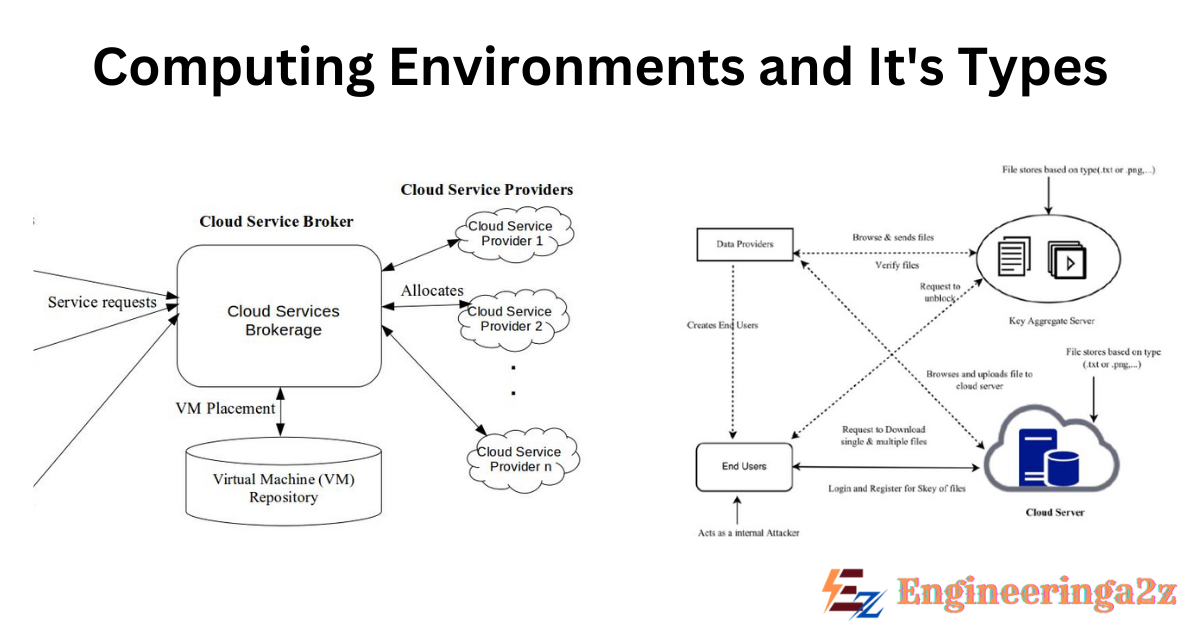
The computing environment is a technology process of cycles which have special type of software platforms to develop platform for users and build the software, testing, deploying and executing software applications. Computing environments can be of different categories, such as personal computing environments (e.g. laptops), enterprise environments (e.g. server clusters) or cloud based environments (e.g. AWS, Azure). The computing environment provide the infrastructure for running programs, storing data and facilitating communication between systems.
Types of Computing Environments
There are various types of computing environments. They are :
1. Traditional Computing
As computing has matured, the lines separating many of the traditional computing environments have become blur. In modern time, web technologies and increasing WAN (Wide Area Network) bandwidth are stretching the boundaries of traditional computing. Network computers, which are basically terminals that understand web based computing, are used in place of traditional workstations where more security or easier maintenance is desired.
So, traditional time sharing systems are rare today. The same scheduling technique is used in laptops, servers and even mobile computers, but the process is more frequently used by same user (or a single user and the operating system). Client processes and system processes that give service to the client, are managed so that each one regularly get a share of CPU time.
Consider the windows made while a client is working on a computer, for example and the way that they might be performing different tasks at same time. Even an internet browser can be made up of different processes, one for every website which is currently visited, with time sharing applied to each browser process.
2. Mobile Computing
Mobile computing include the use of portable devices, such as smartphones or tablets, to process information anytime, anywhere. These devices share the common feature of being portable and lightweight. Compared with desktop and computer systems, these devices give up screen size, memory capacity and overall functionality in exchange for handheld portable access to services, like email and web browsing.
In modern day mobile computing systems are used not only for surfing and browsing but also for playing music and videos, reading e-books, taking photographs, and recording and editing high quality video. In same way, huge development is going on in the large number of applications that run on such devices. Many developers are now designing applications which take advantage of the special features of mobile phones, like Global Positioning System (GPS) chips, accelerometers and gyroscopes.
3. Client-Server Computing
Client-server computing is a type of distributed computing where task are divided in two parts: client and server. The client is a user side application which sends the request to the server, like for data retrieval, processing or file storage.
The server is a powerful system that process this request centrally and gives back the requested resources or services to the client. This model allows resource sharing, centralized control and scalability, which make it ideal for different applications like web browsing, email and database access. The communication usually happens over a network, with protocols that ensure secure and efficient interaction.
The file server system give a file server interface where clients can create, update, read and delete files. An example of such system is a web server that delivers files to clients running web browsers. The actual content in the files can vary a lot, from normal web pages to rich media content like high quality video.
4. Peer-to-Peer Computing
One more design for a distributed system is the peer-to-peer (P2P) system model. In this model, clients and servers are not recognized separately from each other. Instead, all nodes within the system are treated as peers, and each may act as either a client or a server, depend on whether it is requesting or offering service. P2P systems offer an advantage over traditional client-server systems. In client-server system, the server is a bottleneck, but in a peer-to-peer system, services can be given by many nodes distributed across the network.
Peer-to-peer networks became widely popular in the late 1990s with several file sharing services, such as Napster and Gnutella, which allowed peers to exchange files with each other. The Napster system used an approach similar to first type described above, a centralized server kept a record of all files stored on peer nodes in Napster network and the actual exchange of files happened between the peer nodes only.
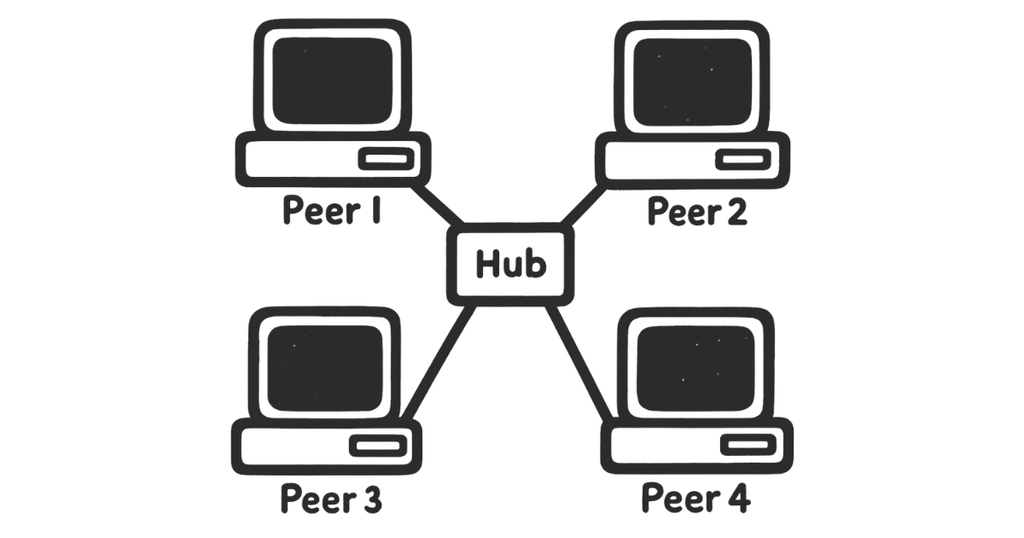
Skype is another example of peer-to-peer computing. It allow clients to make voice calls and video calls and to send text messages over the internet using a technology known as Voice over IP (VoIP). Skype use a hybrid peer to peer approach, that have a centralized server, but it also include decentralized peers and allows two peers to communicate directly.
5. Cloud Computing
Cloud computing is a kind of computing that deliver computing, storage, and even applications as a service across a network. In some way, it’s a logical extension of virtualization, because it use virtualization as a base for its functionality. AWS (EC2) gives thousands of servers and millions of virtual machines where application servers can run. Users can use the resources and they need to pay monthly based on how much of those resources they used.
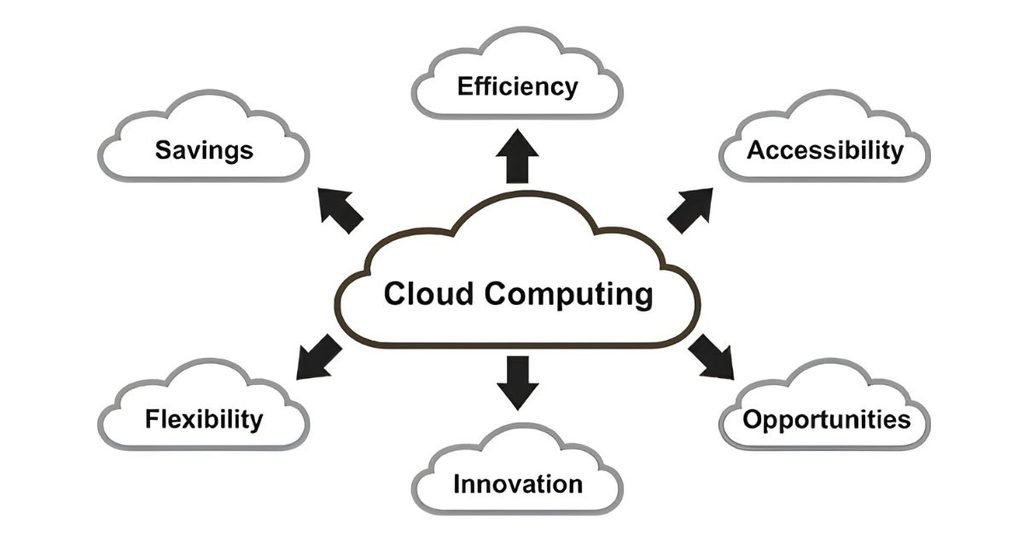
Here are 3 types of cloud computing :
1. Public cloud
A public cloud is available through the internet to anyone who is willing to pay for the service. Public cloud computing offer scalability, cost effectiveness and easy use. Example are AWS, Microsoft Azure and Google Cloud Platform (GCP).
2. Private Cloud
The private cloud is organized and controlled by a single organization. It can be hosted by a third party provider but not shared with others. This cloud ensure higher control and security, which make it suitable for businesses handling sensitive or regulated data.
3. Hybrid Cloud
The hybrid cloud combine both public and private cloud environments, allowing data and applications to be shared between them. This model give flexibility to organizations to use the scalability and cost effectiveness of public cloud for non sensitive work, while using private cloud for sensitive one.
Frequently Asked Questions (FAQs)
-
What are computing environments?
It is the combination of hardware, software, networks and services that support the processing and exchange of information.
-
What is traditional computing?
It use the hardware, software and other related services from a centralized location.
-
What is cloud computing?
Cloud computing provide computing services over the internet, and that is called cloud.
Related Posts
- Computing Environments and its Types
- Resource Management in OS | Types and Uses
- BCA Previous Year Question Papers PDF

- BTech Computer Science Engineering Previous Years Question Papers PDF

- Organizational Computational Models

- Processes and Threads in Operating System






Leave a Reply